How can I prevent some screens from making the UI components look too large (as if the page is zoomed in)?
On some devices with higher resolutions, this doesn’t happen. But on devices with lower screen resolutions (mainly Windows), the entire application looks oversized, and I have to manually reduce the browser zoom to make it usable.
For example, on macOS the Ionic components look normal:

But when I open the same page on a Windows device, everything takes up much more space—the components look gigantic:

So on Windows, I have to manually adjust the browser zoom to avoid this distortion:
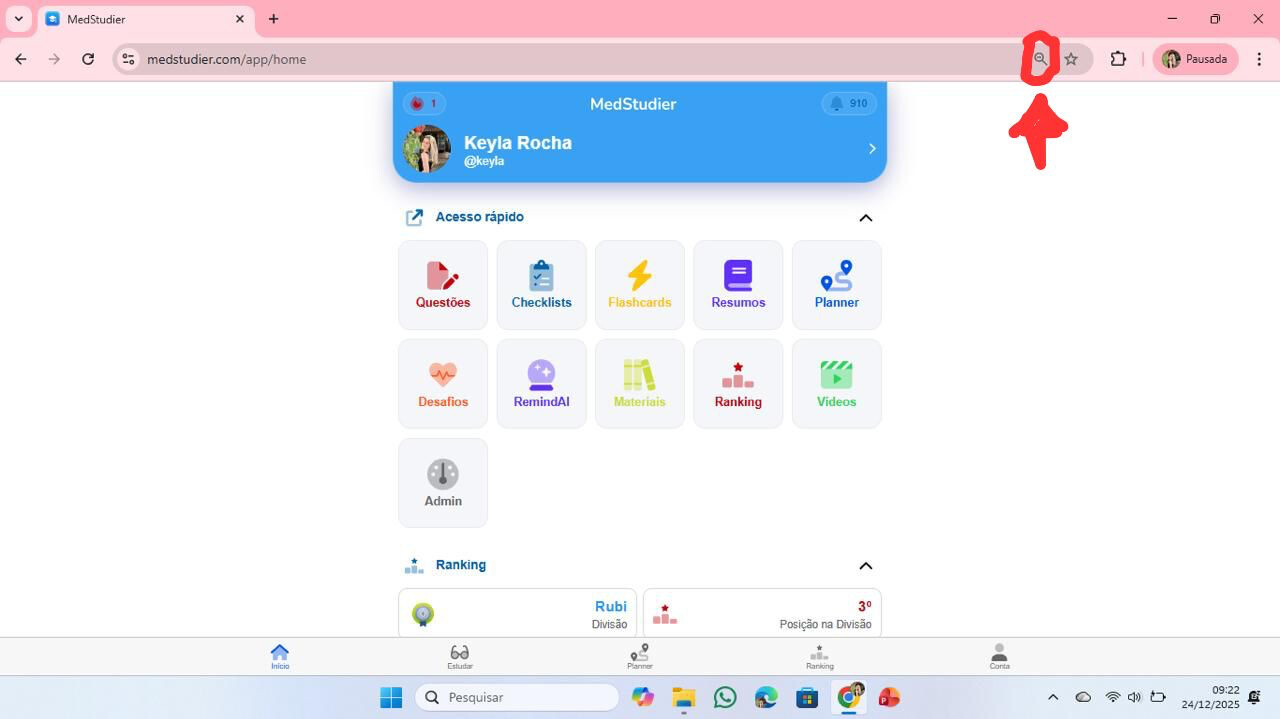
I’ve searched through many topics in this forum, GitHub, and Stack Overflow, but I haven’t found any answer that solves this issue.
My project’s index.html viewport meta tag looks like this (it’s the Ionic default):
<meta name="viewport" content="viewport-fit=cover, width=device-width, initial-scale=1.0, minimum-scale=1.0, maximum-scale=1.0, user-scalable=no"/>