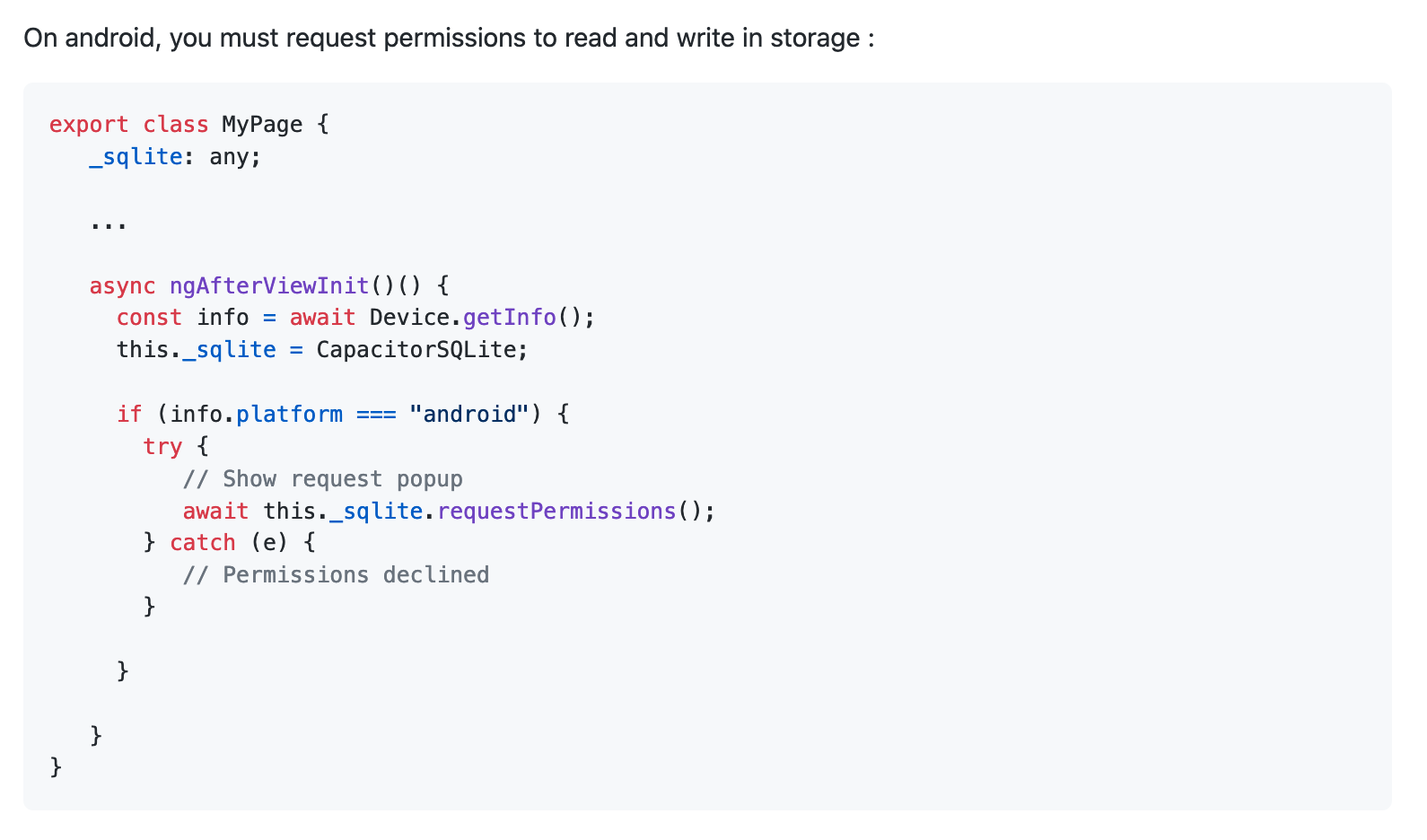
On first launch after installation the app (Android only) asks for storage permissions, while my app tries to open the db in the background. This causes the app to crash on first launch, because it doesn’t have the permission to access the file system yet.
What’s the typical/recommended way to deal with this?
The first connection and query takes place in App.vue:
<template>
  <div id="q-app">
    <router-view />
  </div>
</template>

<script>
import {mapActions} from 'vuex';
import db from 'app/src/db/db'

export default {
  name: 'App',
  methods: {
    ...mapActions('globals', ['handleAuthStateChanged', 'loadSettings'])
  },
  async created() {
    await db.open();
    await this.loadSettings(); //loads settings from the db
    this.handleAuthStateChanged();
  }
}
</script>
Note that it’s based on Quasar, as Vue wasn’t supported yet in Ionic when I started working on the app 8-9 months ago. But as you probably know, Quasar uses Capacitor for the mobile apps.
The app is available in the Play store, I can send you and @max a signed .apk if you wish to try it for yourselves.
I had honestly missed that piece of info, I used started using the plugin while it was still in beta (or alpha maybe), and I can’t remember ever seeing that until now.
However, adding the line await CapacitorSQLite.requestPermissions() makes no difference, it behaves exactly the same as without that line of code: it pops up the dialog for the storage permissions briefly, and then the app crashes in the background while the dialog is still open. Even if you quickly grant access the app still crashes.
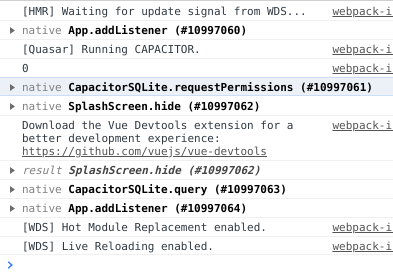
The logs show that requestPermissions() is invoked (see screenshot), but it doesn’t appear to the halt the execution.
You were right, of course. I did execute a db call in another file. Sorry for that.
I commented out that piece of code for now. The app doesn’t crash now, but it doesn’t execute any code after requestPermissions() even if I grant storage permissions.
The logs (after granting storage permission):
On subsequent runs it behaves the same way (i.e. it skips everything after requestPermissions()), sans the permission dialog.
If I deny storage permissions, an exception is thrown and the catch() clause executes, as expected:
Is all of this expected, or am I missing something?
The solution is the use the latest version 2.4.2-8. requestPermission for Android wasn’t yet implemented in the stable version 2.4.0, hence it not working.