I followed Ionic’s Google OAuth tutorial from the Google OAuth Changes blog post but when I tap the “Login” button nothing happens, I don’t even get errors in the console.
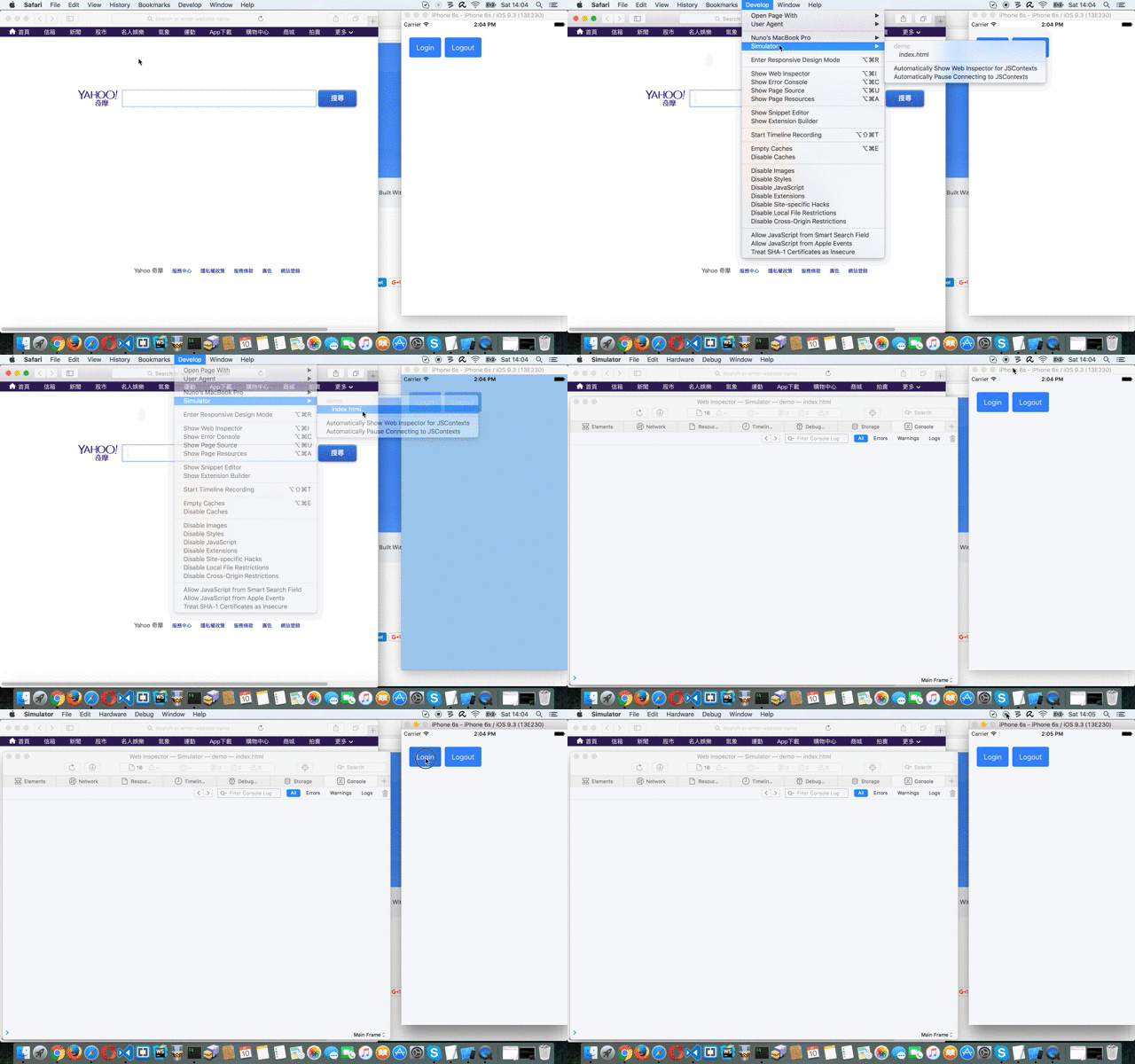
I’ve opened the project in Xcode and when I click the login button I get this log output:
2016-09-11 10:53:42.598 demo[93389:3257840] *** WebKit discarded an uncaught exception in the webView:decidePolicyForNavigationAction:request:frame:decisionListener: delegate: <NSInvalidArgumentException> Your app is missing support for the following URL schemes: aero.zee.mobile
2016-09-11 10:53:42.870 demo[93389:3257840] A new version of the Google Sign-In iOS SDK is available: https://developers.google.com/identity/sign-in/ios/release
I did check the URL scheme and it is there, everything is fine on that side.
Maybe the cordova-plugin-googleplus authors need to update the Google Sign-In iOS SDK they’re using to the latest version?
My system info is:
Cordova CLI: 6.3.1
Gulp version:  CLI version 1.2.2
Gulp local:   Local version 3.9.1
Ionic Framework Version: 2.0.0-beta.11
Ionic CLI Version: 2.0.0
Ionic App Lib Version: 2.0.0
ios-deploy version: 1.8.6
ios-sim version: 5.0.8
OS: Mac OS X El Capitan
Node Version: v6.5.0
Xcode version: Xcode 7.3.1 Build version 7D1014