The ionic react components page is broken: UI Components | User Interface Application Building Components
I have raised a ticket ( Support ) but event that is slow and broken like an abondoned russian tank in Ukraine.
I am writing here in the hopes that somebody who is responsible will recognise and fix it.
Since I am developing ionic apps, I am dependent on that docs page…
It’s working just fine for me here in the US  What is “broken”?
Thanks for you reply so I am located in Hungary this is waht we see here:

under this link: UI Components | User Interface Application Building Components
I have tried it on other internet connection, browser, computer and an other bro in an other city too thanks
Can you open up DevTools and see what’s not loading or being blocked?
of course would you be open for a call via https://meet.google.com/jmk-shwd-axk
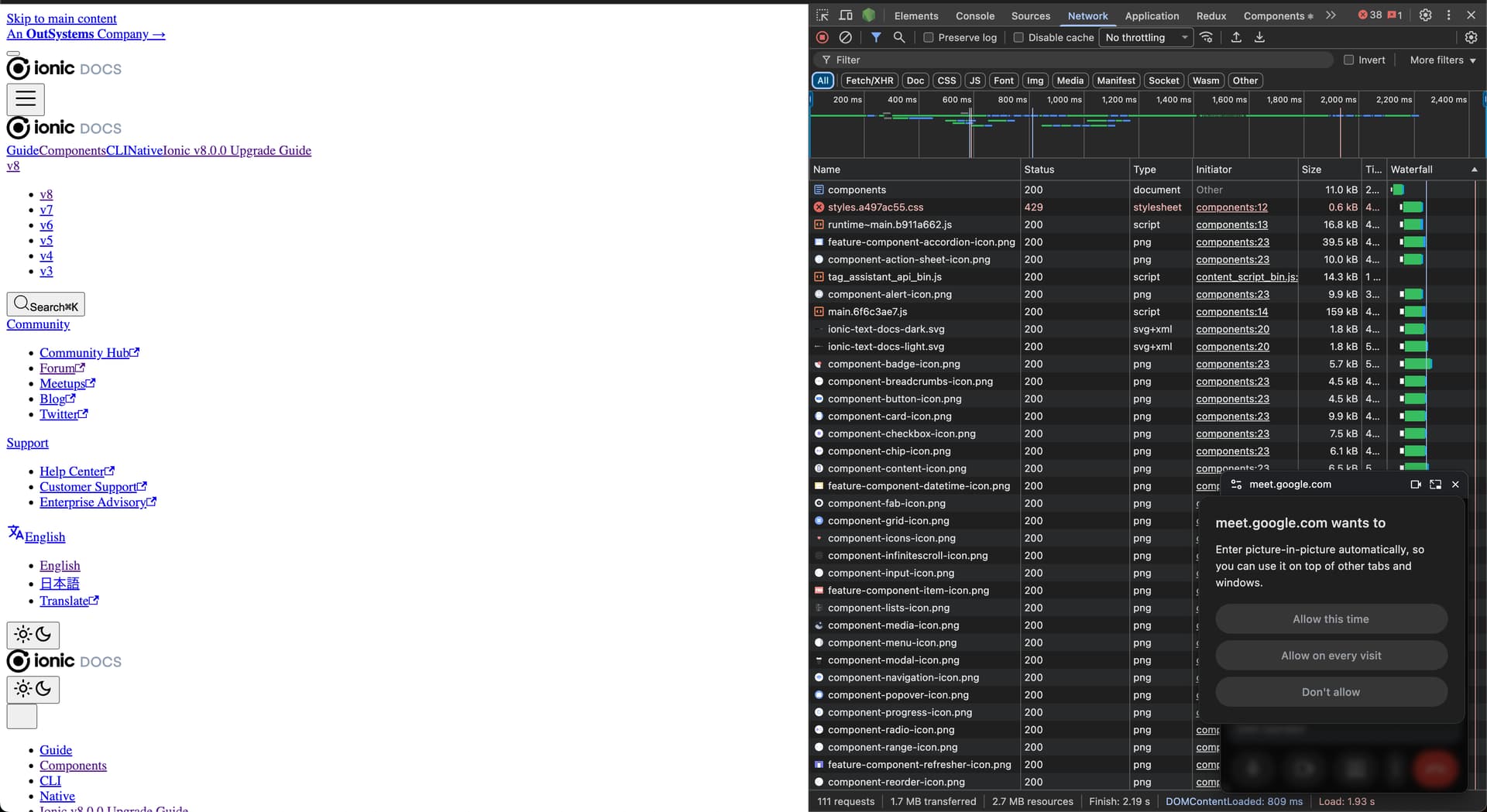
That’s what I suspected, the CSS is not loading. giving a 429. Unfortunately I am just a community member and can’t be much help fixing the issue. A 429 is too many requests so it might just fix itself.
Guessing you’ll get a 429 as well going directly to the stylesheet URL? - https://ionicframework.com/docs/assets/css/styles.a497ac55.css
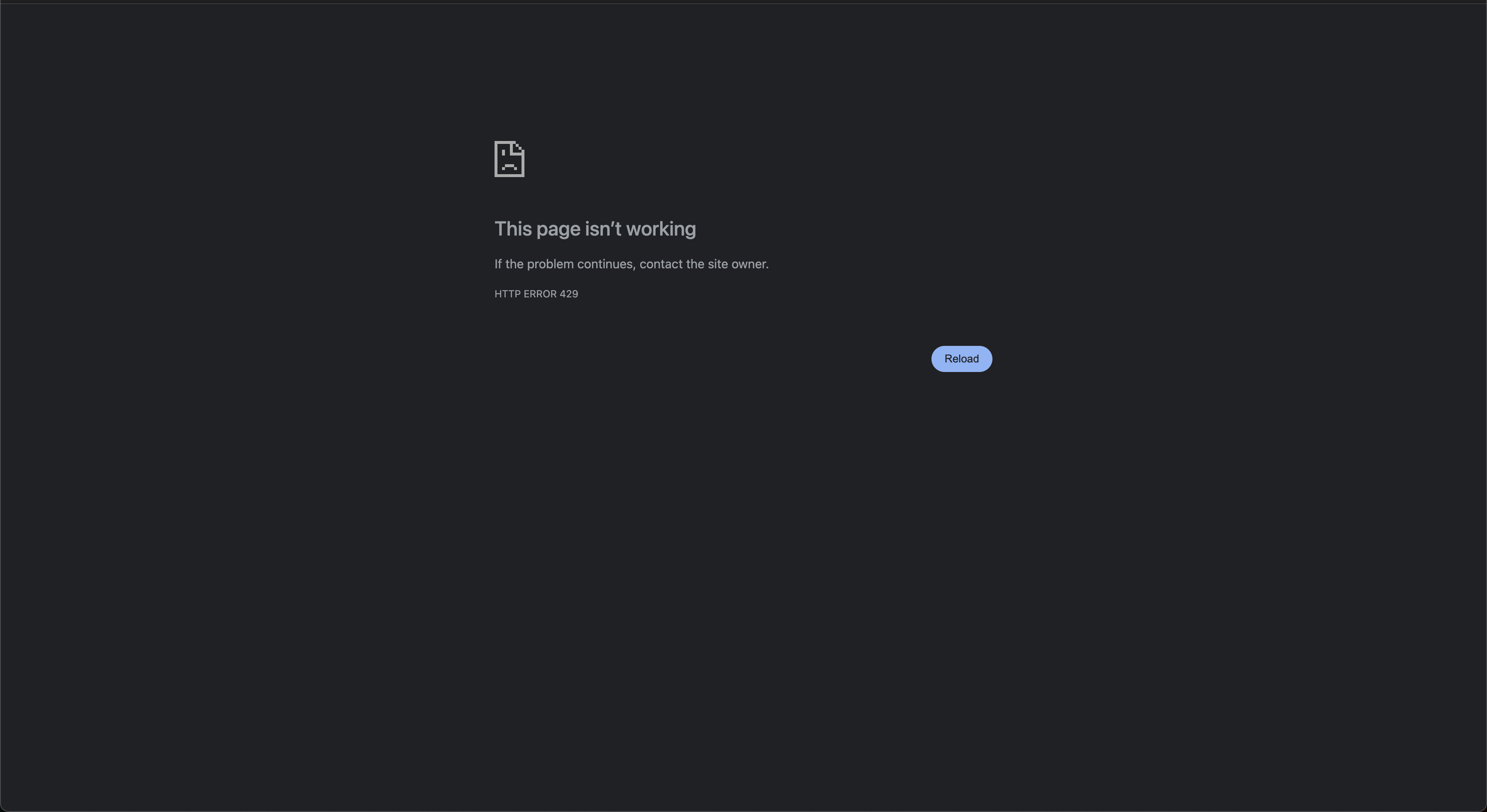
Same for me at Turkiye. but when i visit the site from opera with vpn it works..
Is there any update about the issue or about the fact that any relevant people has seen it? Or maybe they started to fix this issue? I’ve just started to learn and use ionic, and it is really slowing my current workflow, that I can’t use the docs normally, or just try out some component or so in the interactive page.
We’ve been experiencing this issue for several days. It’s really frustrating and has been affecting our progress. Is anyone currently working on a solution?
I just posted this on Discord to hopefully get someone at Ionic to look into it.
Hey. I just have found a temporary solution, not the best, but better then the current workflow. If you switch to the language to japan, then it works fine. https://ionicframework.com/docs/ja/But because most of the content is translated, then it still might not be the best if you still want to use the version 8 docs. Browser based translation can might solve this issue.
If you don’t want to use the either, then go back to version 7 (https://ionicframework.com/docs/ja/v7/), where the translations are not applied (I have not found any), so you can use the “english version” of the documentation.
I know that this is not the best, and it mainly if you are dealing with some components or so that has changed between v7 and v8 it still sucks, but otherwise it is still better then the official v8 english docs page. If you found any better solutions then let us know.
Thank you. We’re currently relying on the Web Archive. Fortunately, they have a snapshot of the Ionic documentation page that was taken on October 8.
( UI Components | User Interface Application Building Components )
Most of the live previews for the components don’t work, but it’s better than nothing.
Yes, I have tried this solution too, but just as you said the live previews don’t work, so I have skipped this solution, but thanks I forgot to mention this one!
From Ionic:
This seems to be an issue with Cloudflare or local ISPs blocking certain cloudflare IPs. Unfortunately, there’s not a lot we can do about this. Last time it was with a random JS file and it resolved on its own, so hopefully that’s the case for them here too
Ohh I see, thanks a lot for taking your time, to check where the problem is possible can be.
I hope this will be resolved as soon as possible.