Hi,http://ionicframework.com/docs/v2/components/#toast
I want include an image in my message. I tried:
let toast = this.toastCtrl.create({
          message: 'This is vote: <img src="images/good.png"> .Thank you',
          duration: 2000
});
but this didn’t work. Any suggestion?
@silverhair2010
this may be help you add cssClass in your toastCtrl
let toast = this.toastCtrl.create({
          message: 'This is voteThank you',
          duration: 2000,
         cssClass :'myclass'
});
<style>
.myclass{
 background: #00ff00 url("smiley.gif")

}
</style>
@nitishrajput01 : Thank for your reply! I agree that your solution will show an image to toast.
But I want include image in message because I will set image middle of my message, and I could load message dynamically base on vote.
ekhmoi
October 3, 2016, 4:52am
4
Hello!
According to source code of Toast you can not do that
template:
    '<div class="toast-wrapper" ' +
      '[class.toast-bottom]="d.position === \'bottom\'" ' +
      '[class.toast-middle]="d.position === \'middle\'" ' +
      '[class.toast-top]="d.position === \'top\'"> ' +
      '<div class="toast-container"> ' +
        '<div class="toast-message" id="{{hdrId}}" *ngIf="d.message">{{d.message}}</div> ' +
        '<button ion-button clear class="toast-button" *ngIf="d.showCloseButton" (click)="cbClick()"> ' +
          '{{ d.closeButtonText || \'Close\' }} ' +
         '</button> ' +
      '</div> ' +
    '</div>',
as you see your message is going inside div with string interpolation like : {{d.message}}
But, lucky for you Ionic is open soruce.
template:
    '<div class="toast-wrapper" ' +
      '[class.toast-bottom]="d.position === \'bottom\'" ' +
      '[class.toast-middle]="d.position === \'middle\'" ' +
      '[class.toast-top]="d.position === \'top\'"> ' +
      '<div class="toast-container"> ' +
        '<div class="toast-message" id="{{hdrId}}" *ngIf="d.message" [innerHTML]="d.message"></div> ' +
        '<button ion-button clear class="toast-button" *ngIf="d.showCloseButton" (click)="cbClick()"> ' +
          '{{ d.closeButtonText || \'Close\' }} ' +
         '</button> ' +
      '</div> ' +
    '</div>',
I haven’t checked it, but it should work
@ekhmoi : thank for your answer.
I had an hard time to find where the toast file was. In my case, was in /myapp/node_modules/ionic-angular/components/toast.js (ionic 3). Was worth to say it just for people passing by.
Beside this, it works perfectly and should totally be included in the official code.
async paymentSuccessToast(message) {
    position: "middle",

    cssClass :'customToast'
  });
  await toast.present();
}
//SCSS
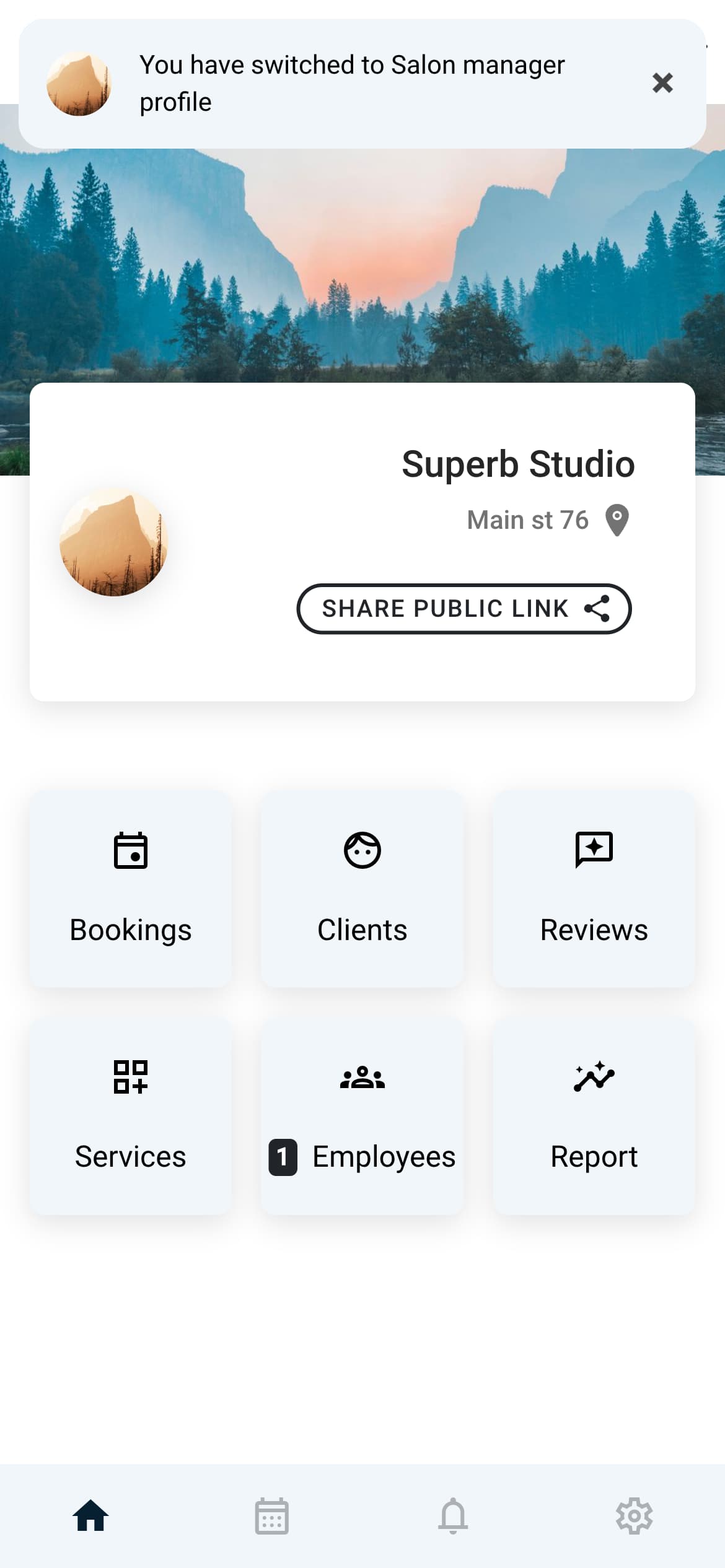
As Ionic now uses the web components, this can be achieved by creating and injecting an image tag into the shadow dom of the toast.
Here is my working example:
async createToastWithImage(toastOptions, url) {
      const toast = await this.toastController.create(toastOptions);
      const image = document.createElement('img');
      image.setAttribute('src', url);
      image.setAttribute('height', '35');
      image.setAttribute('width', '35');
      image.setAttribute('alt', 'Profile logo');
      image.style.borderRadius = '50%';
      image.style.marginRight = '15px';
      toast.shadowRoot?.querySelector('.toast-message')?.appendChild(image);
      return toast;
}
Result: