Hello !
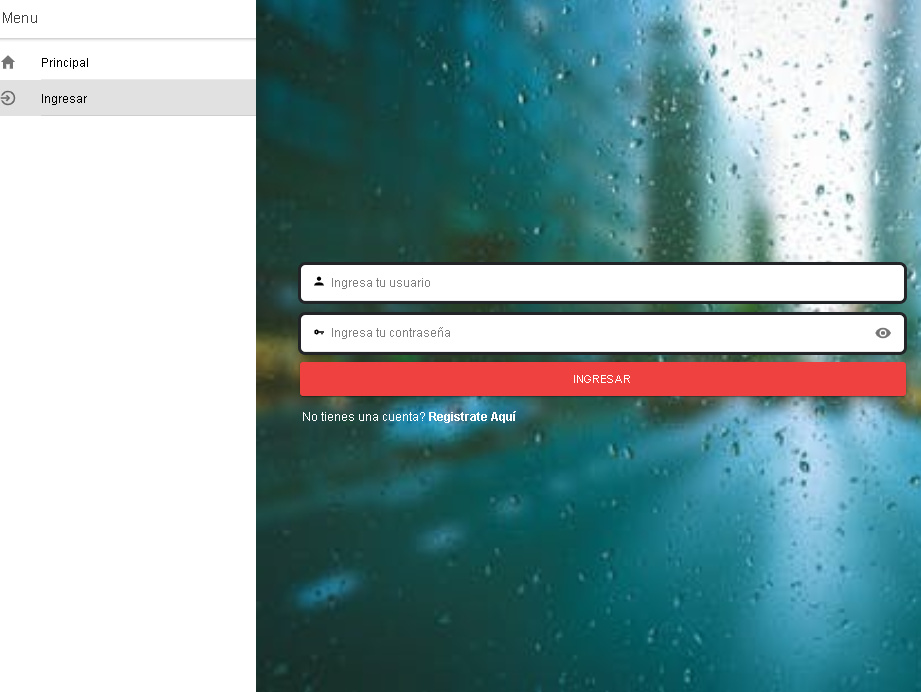
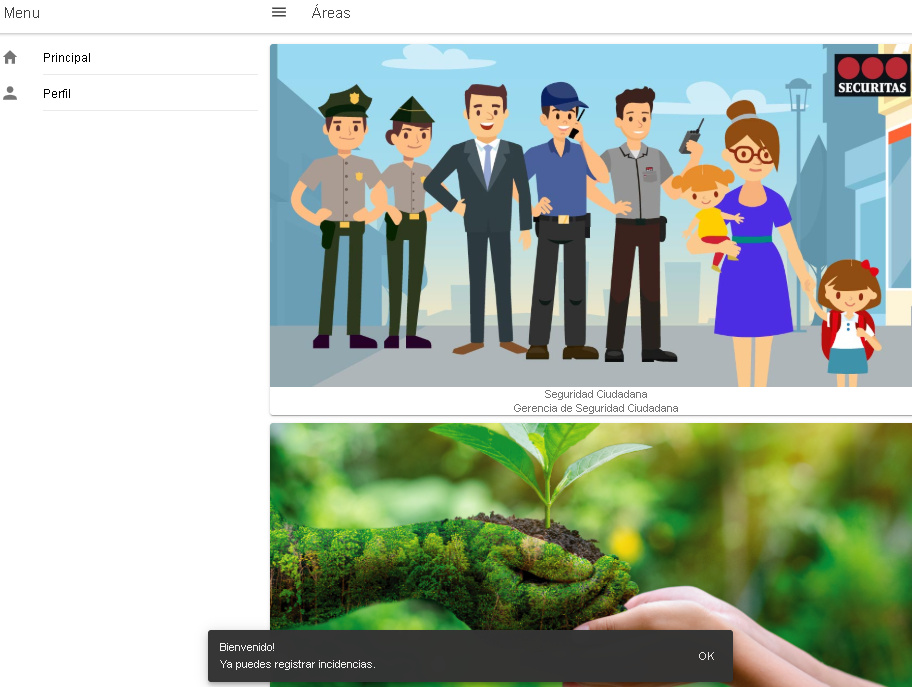
I’m new using Ionic 3, and I’m actually stuck with one problem: In my aplication the initial page is a Login, where I get some data using HTTP provider, and then when the login is successfull, I push to my Home page where it contains a side menu, and on this side menu, there is a tag to display the name of the user, and I don’t know to pass the data from the Login page to the app.component.ts since the menu is there.
Basically my code is:
app.html
<ion-menu [content]="content">
	<ion-content class="sideMenu">
		<br>
		<img src={{objLoggedUser.photo}} id="userPhoto" />
		<br>
		<ion-title id="userName">{{objLoggedUser.name}}</ion-title> <br><br>
		<ion-list class="itemList">
			<ion-item menuClose="" class="sideMenuButton" on-click="goToHome()" id="menu-list-item1">
				<ion-icon name="home" item-left style="margin-right:-20px;"></ion-icon>
				Home
			</ion-item>
		</ion-list>
	</ion-content>
</ion-menu>
app.component.ts
import { Component, ViewChild, Injectable } from '@angular/core';
import { Nav, Platform } from 'ionic-angular';
import { StatusBar } from '@ionic-native/status-bar';
import { SplashScreen } from '@ionic-native/splash-screen';

import { HomePage } from '../pages/home/home';
import { ListPage } from '../pages/list/list';
import { MapsPage } from '../pages/maps/maps';
import { LoginPage } from '../pages/login/login';

@Component({
	templateUrl: 'app.html'
})
export class MyApp {
	@ViewChild(Nav) nav: Nav;

    /*Set the LoginPage as the mais*/
	rootPage: any = LoginPage;

	public objLoggedUser = {
		nome:"Igor Otávio C. Diniz",
		cpf:"101101101-10",
		photo:"../assets/imgs/generic_user.png"
	}

	constructor(public platform: Platform, public statusBar: StatusBar, public splashScreen: SplashScreen) {
		this.initializeApp();
	}

	initializeApp() {
		this.platform.ready().then(() => {
			// Okay, so the platform is ready and our plugins are available.
			// Here you can do any higher level native things you might need.
			this.statusBar.styleDefault();
			this.splashScreen.hide();
		});
	}

	openPage(page) {
		// Reset the content nav to have just this page
		// we wouldn't want the back button to show in this scenario
		this.nav.setRoot(page.compon);
	}
}
Login.ts
import { Component } from '@angular/core';
import { IonicPage, NavController, NavParams, LoadingController, Keyboard, MenuController, AlertController } from 'ionic-angular';
import { HomePage } from '../home/home';
import { UserLoginProvider } from '../../providers/user-login/user-login';

@IonicPage()
@Component({
	selector: 'page-login',
	templateUrl: 'login.html',
	providers: [
		UserLoginProvider
	]
})
export class LoginPage {
	public user_login:any;
	public password_login:any;
	constructor(
		public alertCtrl : AlertController,
		public loadingCtrl: LoadingController,
		public navCtrl: NavController,
		public navParams: NavParams,
		public menuCtrol: MenuController,
		private loginRequest: UserLoginProvider) {
		this.menuCtrol.enable(false);
	}


	ionViewDidLoad() {
		console.log('ionViewDidLoad LoginPage');
	}
	logar() {
		const loader = this.loadingCtrl.create({
			content: "Loading, please wait ... "
		});
		loader.present();
		this.loginRequest.getUserData(this.user_login, this.password_login).subscribe(
			data => {
				const response = (data as any);
				var userData = JSON.stringify(response);
				const objUser = JSON.parse(userData);
				console.log("User Data:\n"+objUser.cod_cliente);
				loader.dismiss();
				if(data != false){
                     /*Here is where I want to pass the data to the app.component.ts,
                    or access this data on HomePage to change the the values on app.html.
                    I want to change the value of the ion-title tag and the img tag inside the app.html after this point
                    */
					this.navCtrl.push(HomePage);
				}else{
					this.showAlert("user or password incorrect.");
				}

			}, error => {
				loader.dismiss();
				this.showAlert("Conection error, try again later.");
				console.log(error);
			}
		)
	}
	showAlert(error) {
		const alert = this.alertCtrl.create({
		  title: 'Error!',
		  subTitle: error,
		  buttons: ['OK']
		});
		alert.present();
	  }
}
Can you give me some help about how to change the tag’s inside the app.html through the Home page, or even the Login page ?